How to Play Games That Don’t Support Your Language
Compare official language options, community patches and screen translation for games without subtitles in your language.

The game you were waiting for is out, but your language isn’t on the list. You don’t have to give up on it. This guide compares three ways to follow games that don’t have subtitles in your language, with their advantages and limits.
1. Check official language support again
Some games add languages in updates after launch. Before you buy or give up:
- Check the current language list on Steam, PlayStation Store or Microsoft Store.
- Look for new language announcements in the publisher’s patch notes.
- Check the in-game language menu; some games choose the language from the system language automatically.
2. Community translation patches (PC only)
On PC, volunteer translation teams make patches for many games. They change the game’s text files and offer a permanent, often high-quality translation. But there are limits:
- They don’t work on console: PS5 and Xbox game files can’t be accessed.
- Updates can break them: when the game updates, the patch may need updating too.
- Risky in online games: modified files can conflict with anti-cheat systems in some games.
- Not available for every game: new or lesser-known games may take a long time to get one.
3. Real-time screen translation (PC and console)
Real-time screen translation reads and translates the subtitles on screen without touching the game’s files. It has three steps:
- Screen capture: the area containing the subtitles is captured at regular intervals.
- OCR: the text in the image is turned into machine-readable text.
- Translation and display: the text is translated and shown as a subtitle over the screen or on another device.
Subvoce runs this entirely on your PC: OCR and AI translation happen locally, and subtitle text is never sent to a remote server. On PC, the translation appears as a layer over the game; on console, the subtitle read through PS Remote Play or the Xbox app is translated and sent to your TV.
Comparing the methods
| Official support | Community patch | Real-time translation | |
|---|---|---|---|
| PC | If available | Yes | Yes |
| Console | If available | No | Yes (with a PC) |
| Changes game files? | No | Yes | No |
| Translation quality | Highest | Usually high | Machine translation level |
| New releases | Up to the publisher | Takes time | From day one |
Limits of real-time translation
Real-time translation isn’t flawless in every situation. Very small or decorative fonts, low-contrast subtitles and fast-changing text can reduce accuracy. For the best results, increase the subtitle size in the game, turn on a subtitle background if available, and select only the subtitle strip. For the technical details, read our article on the real-time game translator for PC.
Understand the subtitle. Keep playing.
Subvoce translates the English subtitles on your screen locally on your PC and shows the translation on your PC or your TV.
More articles
Guides
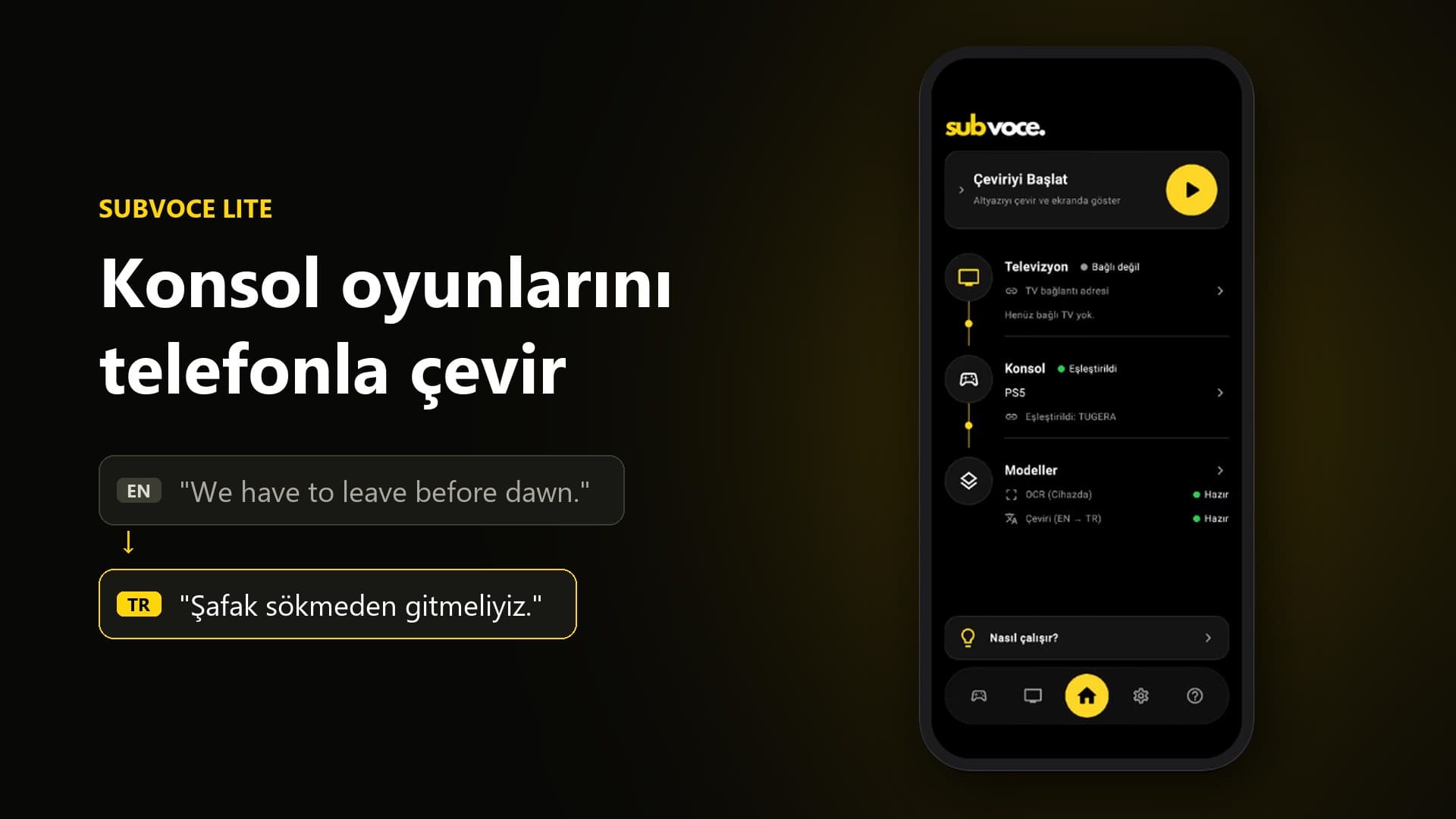
How to Translate Console Games with Your Phone
A step-by-step guide to translating PS5 game subtitles with your Android phone and showing them on your TV, no computer needed.
Guides
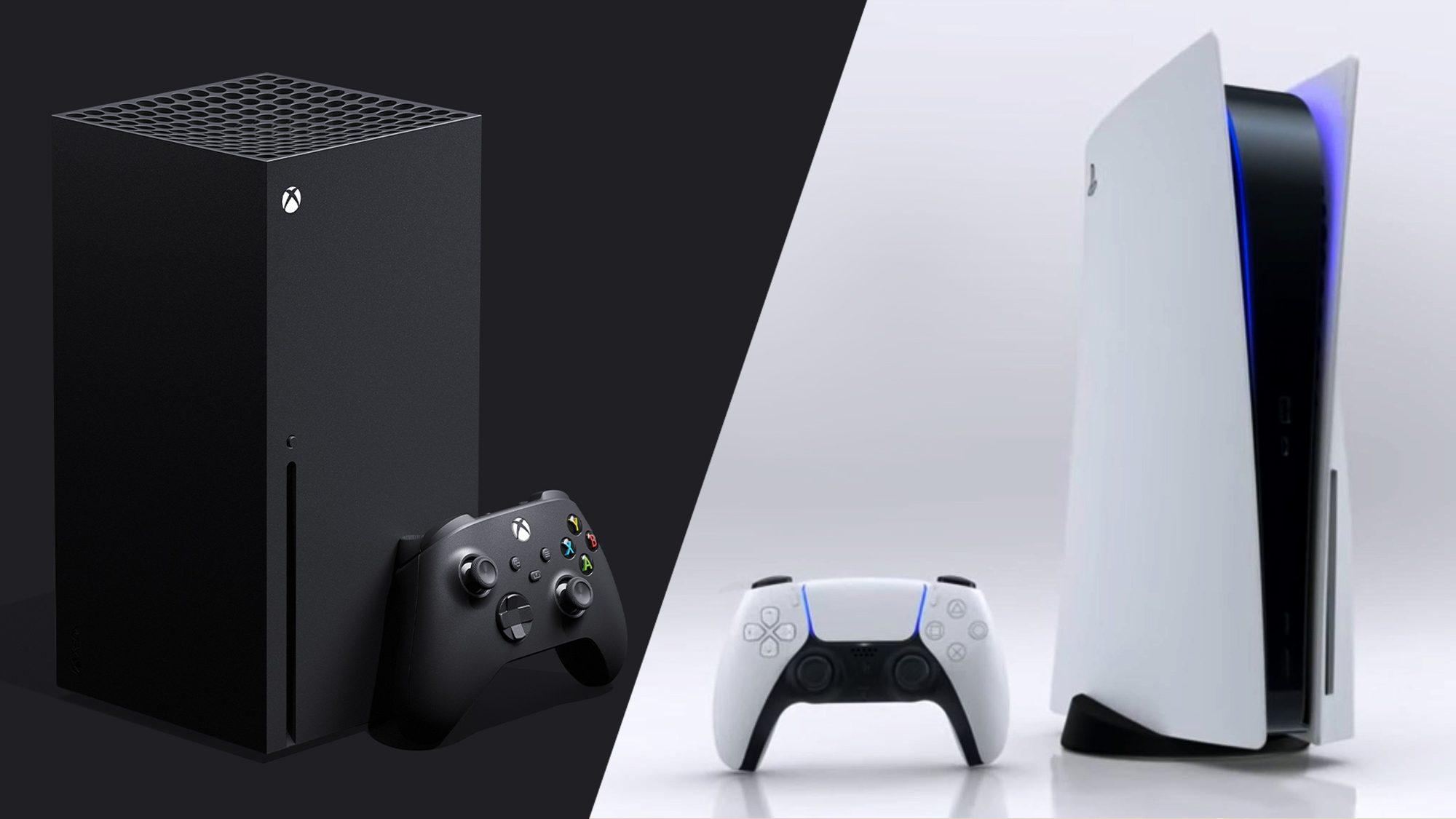
PS5 and Xbox Subtitle Language Guide
Learn how to check language options in PS5 and Xbox games, and what to do when your language isn’t supported.