GTA 6 Subtitles in Your Language: What Are Your Options?
How to check GTA 6’s language options and what translation alternatives exist on console.

Grand Theft Auto VI is one of the most anticipated games in years, and for many players outside the English-speaking world one question matters a lot: will there be subtitles in my language? This article explains where to verify GTA 6’s language support, why translation patches don’t work on console, and which alternatives you have if your language isn’t offered.
Does GTA 6 officially support your language?
The most reliable information about a game’s languages comes from the publisher’s announcements and the store pages. For GTA 6, check:
- Rockstar Games’ official website and support pages
- PlayStation Store: “Screen languages” on the product page
- Microsoft Store: the “Supported languages” table on the product page
Language lists shared on social media or forums may not match the official source. Checking the store page right before you buy is the safest approach.
Can you use a translation patch for GTA 6 on console?
Community translation patches on PC work by changing the game files. PS5 and Xbox Series X|S are closed systems; game files can’t be modified. So:
- There’s no official or safe way to install a translation patch on console.
- Be careful with sites asking you to download files for a “console translation patch”.
- On console, subtitles in your language are only possible if the game supports it, or through on-screen translation.
If your language is supported, how do you turn it on?
- Set the console’s system language (PS5: Settings → System → Language; Xbox: Settings → System → Language & location).
- Open the game and find Settings → Display / Language.
- Turn on subtitles and choose your language as the text language.
If it isn’t: real-time screen translation
If your language isn’t available, you can use a tool that reads the English subtitles from the screen and translates them. Subvoce applies this for console players like this:
- The console picture is streamed to your PC with PS Remote Play or the Xbox app.
- Subvoce reads the English text in the subtitle area you select (OCR).
- The text is translated on your PC with a local AI model.
- The translation appears as a subtitle on the TV on the same network.
This doesn’t change the game’s language and doesn’t touch any game files; it only translates what you see on screen. In open-world games it can read in-game subtitles such as radio chatter as well as cutscenes, as long as subtitles are turned on in the game.
Summary
To find out about GTA 6’s language support, check Rockstar’s official sources and the store pages. Since patches can’t be used on console, real-time screen translation is the most practical alternative if your language isn’t offered. Read our PS5 and Xbox subtitle language guide for more on console setup.
Understand the subtitle. Keep playing.
Subvoce translates the English subtitles on your screen locally on your PC and shows the translation on your PC or your TV.
More articles
Guides
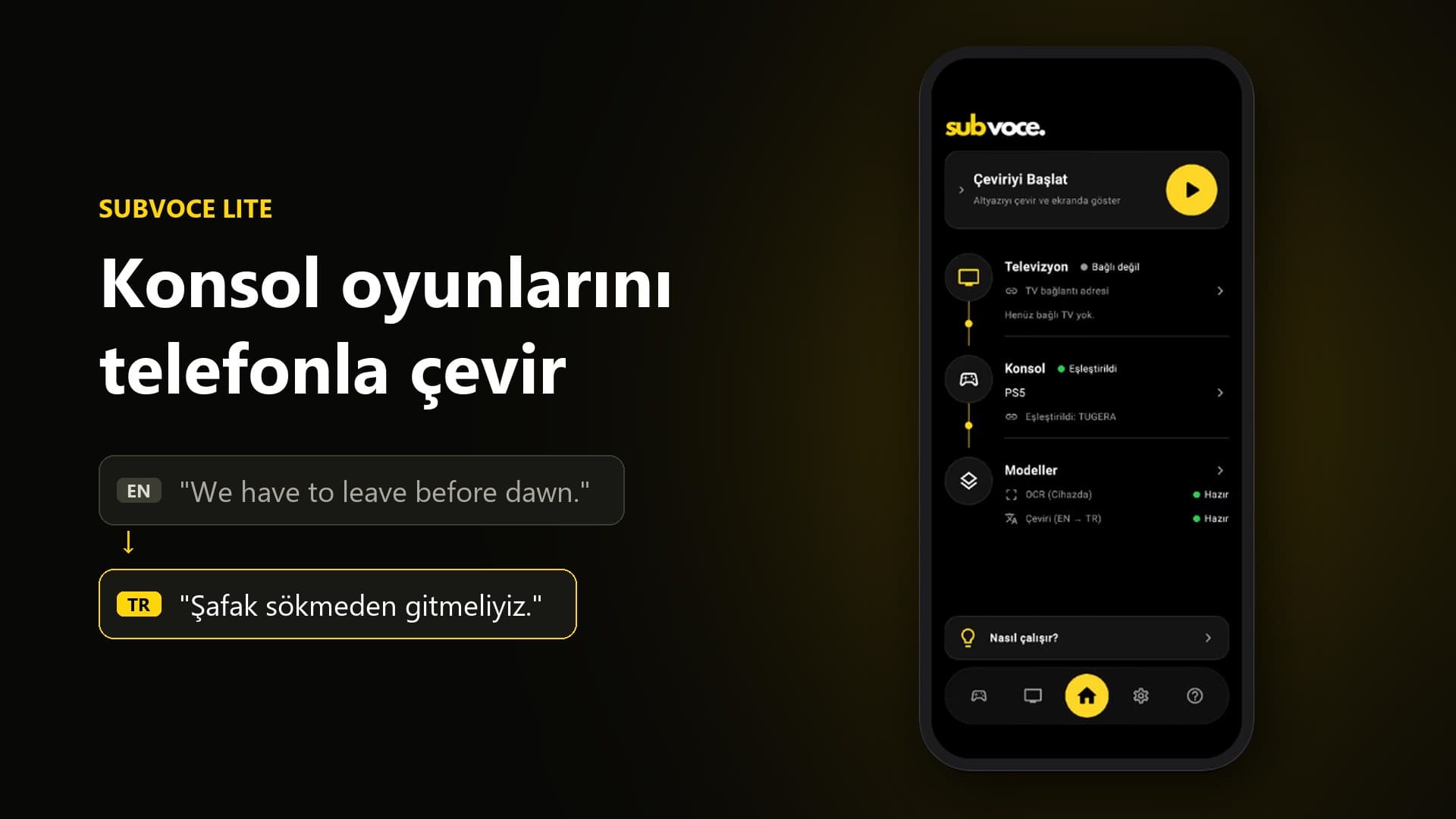
How to Translate Console Games with Your Phone
A step-by-step guide to translating PS5 game subtitles with your Android phone and showing them on your TV, no computer needed.
Guides
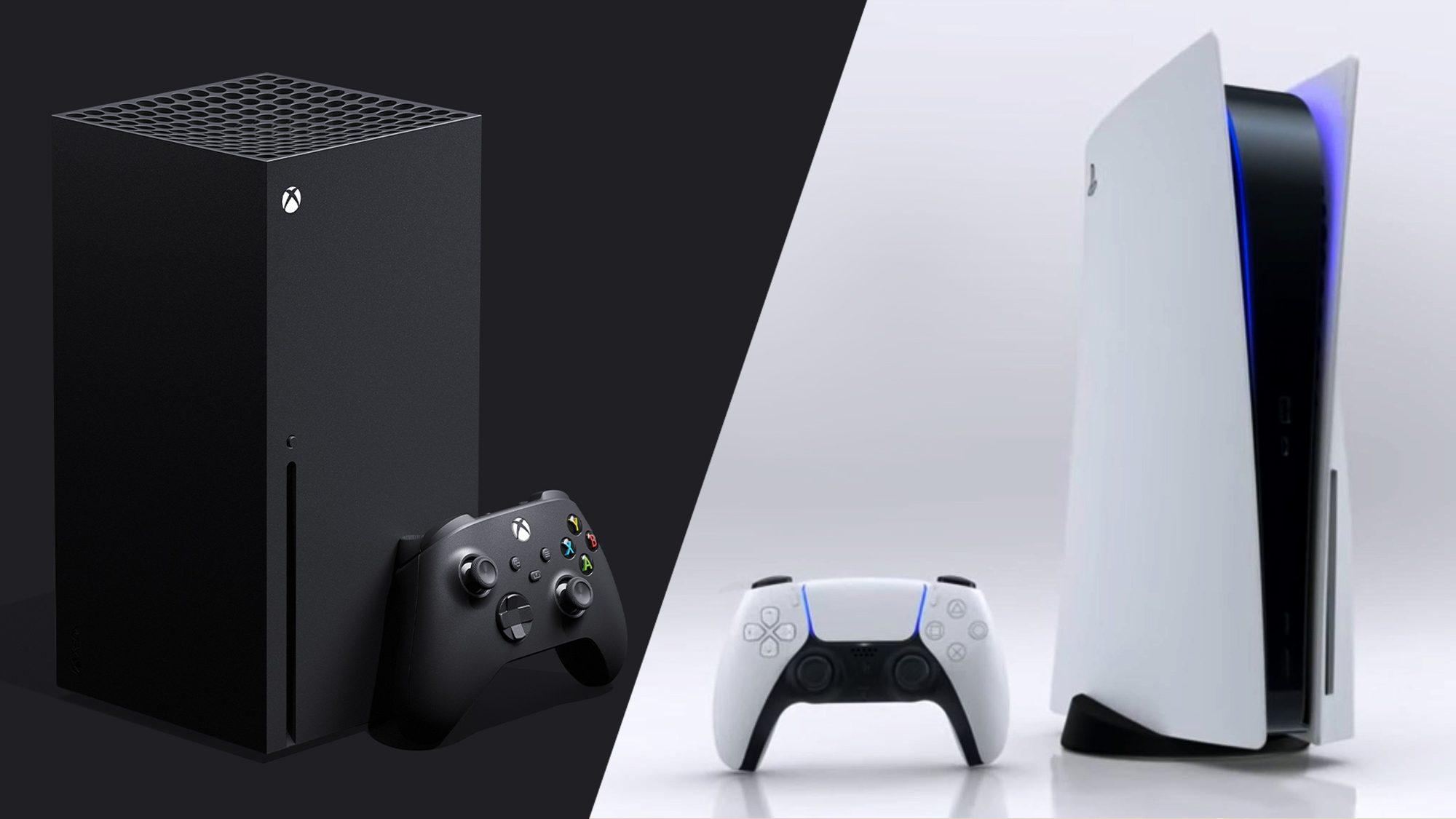
PS5 and Xbox Subtitle Language Guide
Learn how to check language options in PS5 and Xbox games, and what to do when your language isn’t supported.